We'll guide you through activating your Restore 3 in just a few easy steps, so you can start creating your optimal sleep routine.
STEP 1
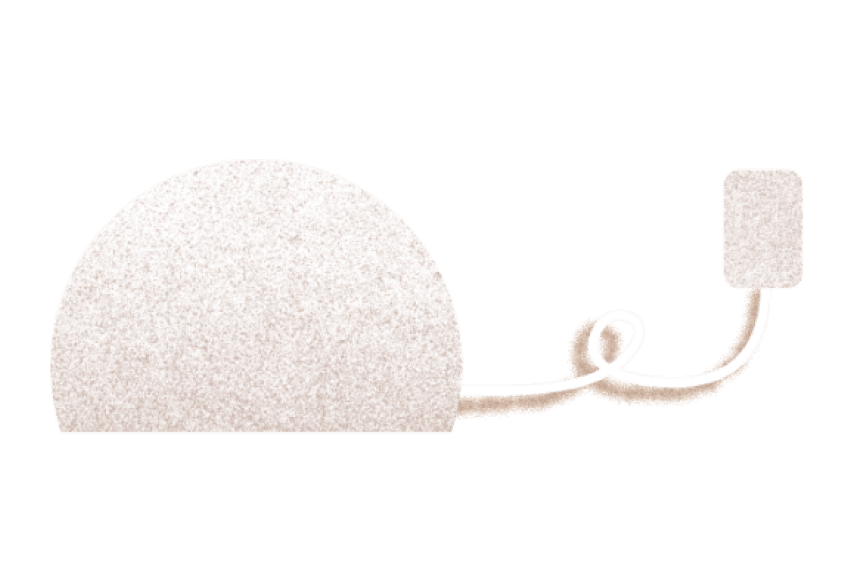
Plug in your Restore
Connect the power cable to your Restore and plug it into a power outlet. Keep your device plugged in at all times.
STEP 2
Download the app
Download the Hatch Sleep app on your phone or tablet from the Apple App Store or Google Play Store. Once the app is downloaded, follow the setup steps. Wi-Fi is required.
STEP 3
Review controls guide
For a complete overview of your Restore 3 controls, view the controls guide.
Still need help? Click on the chat bubble on this page to send us a message!